
Find it in column headers and metric pickers across Portfolio, Campaigns, Senses and Home. Last updated 9 Oct 2026.
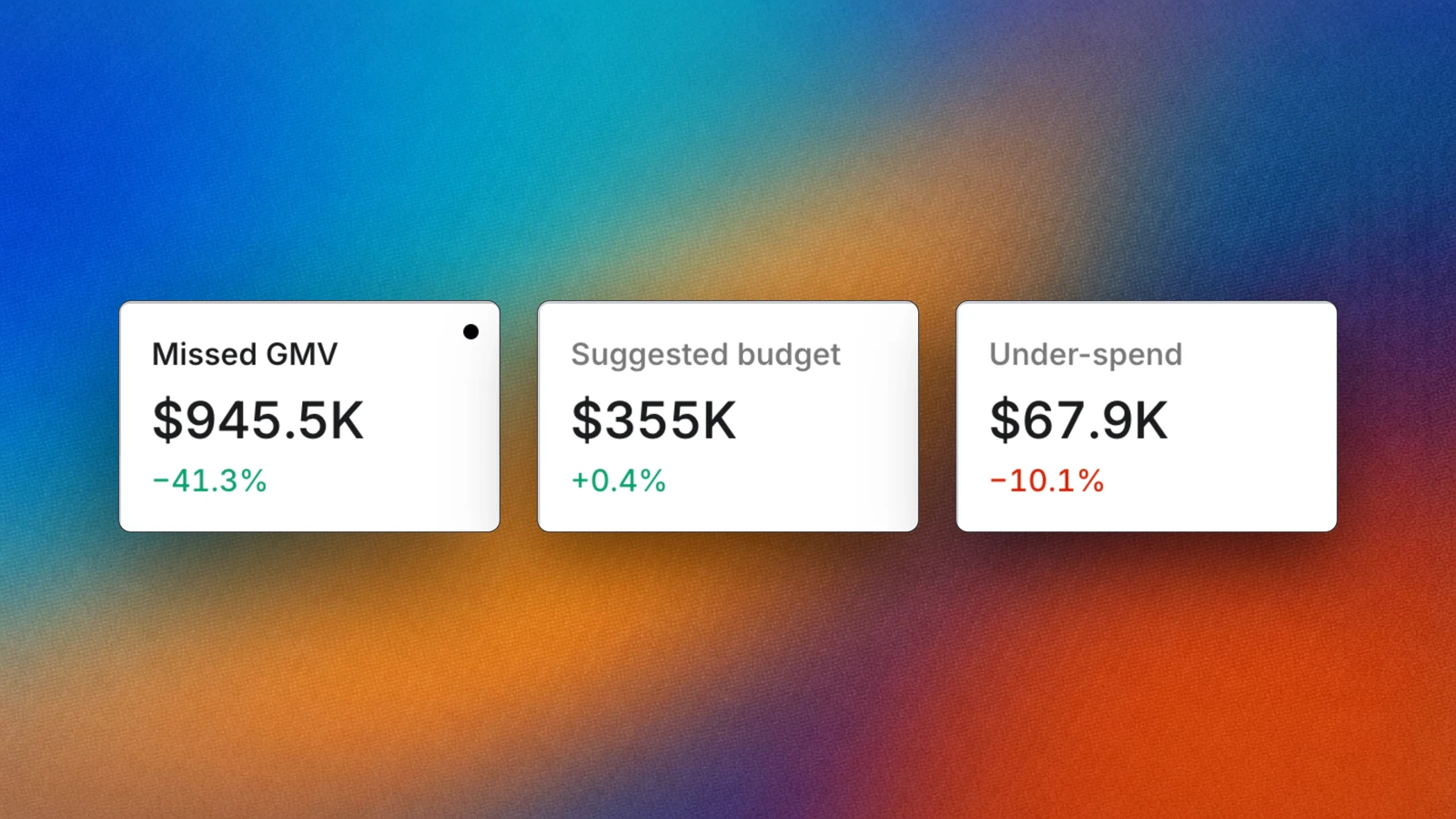
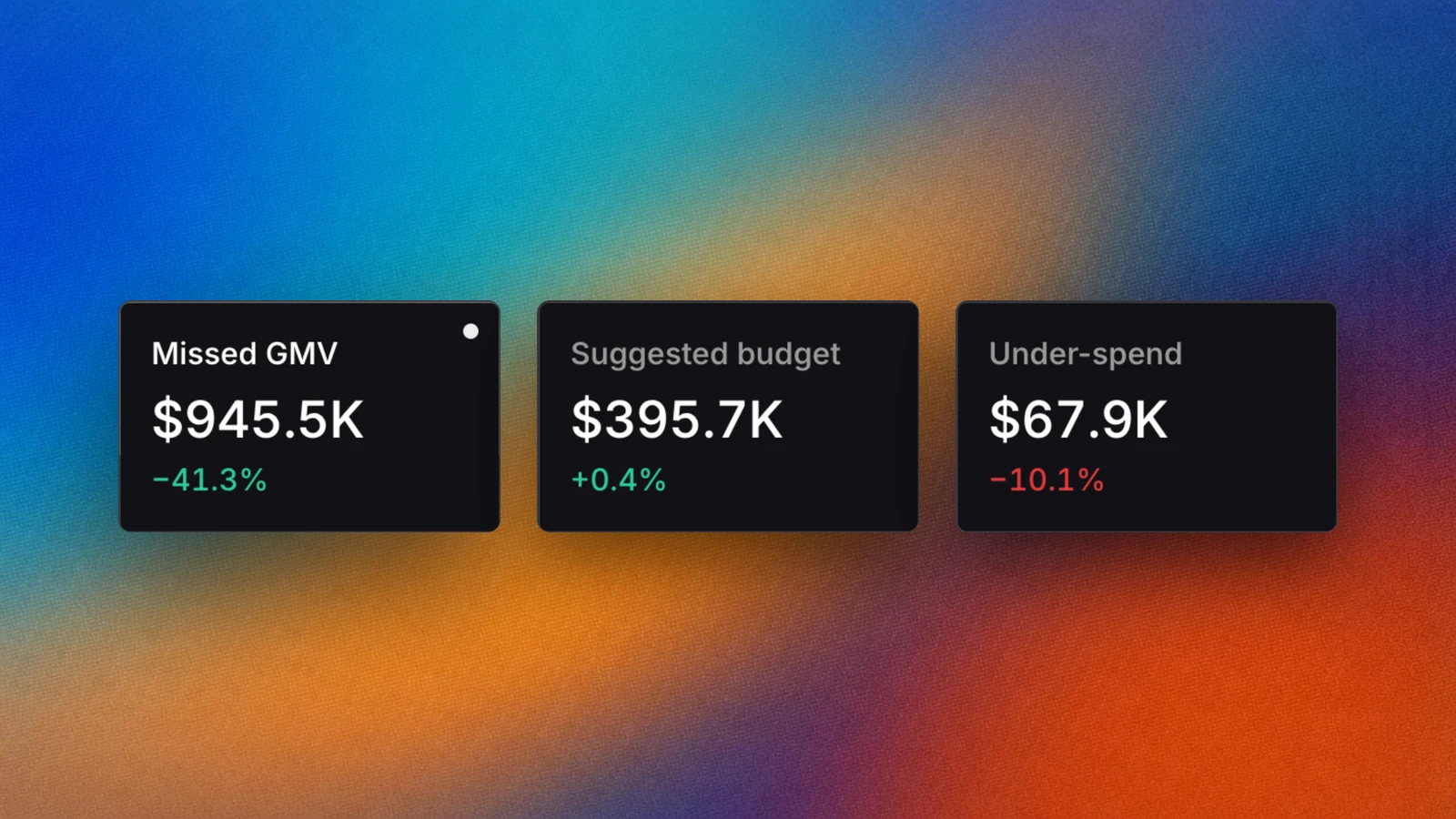
Missed GMV and Suggested budget read side by side in Portfolio.
Overview
Epsilo uses one set of metric names on every screen, so a number in Portfolio means the same thing in Campaigns, Senses and Console. This page defines the metrics that are specific to Epsilo. Standard ad metrics such as impressions, clicks and CTR follow each network’s own definition.How it works
1
Networks send the raw numbers
Spend, Ads GMV, orders, clicks and impressions come from each ad account you connect.
2
Epsilo adds its own reads
Metrics such as Ad live time, Missed GMV and Suggested budget are worked out by Epsilo from that data.
3
Every surface uses the same names
Pick any metric in a table, a Senses report or a Console answer and it means the same thing.
Use it
Core metrics
Ad live time
Ad live time is the share of the period the ad was actually serving, instead of going dark on budget, stock or a pause. Higher is better. Where you see it:- As a column and a sort in Campaigns, on campaigns and ad objects.
- As the Low live time health filter in Campaigns.
- As the impact on each row in Apply now, where the goal is 100%.
- On Home, beside the accounts losing the most.
Performing time
Performing time is a column in campaign and ad object tables. Read it next to Ad live time: an ad can be live but not spending, and Performing time shows how much of the live time turned into delivery.Missed GMV
Missed GMV is an estimate of the sales lost while an ad was not live, for example when it paused, ran out of budget or ran out of stock. It is worked out by Epsilo from the ad’s own pace, not reported by the network. Lower is better. Where you see it:- On ad account cards and as a sort in Portfolio.
- As a column on campaigns and ad objects.
- As the consequence on each row in Apply now.
- On Home, in the zones that rank what is costing you most.
Suggested budget
Suggested budget is the daily budget Epsilo projects a campaign needs to stay live through the whole day at its current pace. It is a suggestion; nothing changes until you apply it. Where you see it:- In Apply now, where you apply it in one click.
- As the Suggested budget health filter in Campaigns.
- As the Below suggestion health chip on an ad account in Portfolio.
- As a metric in Senses.
Budget out
When a campaign’s budget runs out for the day, its ad account shows the Budget out health chip, titled Budget exhausted today. Raise the budget, or let a budget distribution move money to it. See Automations.Search demand
Total daily searches in Keyword lab is daily searches for a keyword over the last 7 days, summed across the platforms you picked. It is market demand, not your ad results.Digital shelf
These metrics measure how visible your products are on the marketplace shelf. They appear in automation templates. To see the shelf product by product, open Digital shelf.- Share of search: your share of sponsored impressions on your target keywords.
- Share of shelf: your share of sponsored slots on the category shelf.
Benchmarks in Senses
A Trend report in Senses can add Total, Growth, Avg per period, Avg daily, Avg BAU day, Avg Double Day and Peak day beside each row.Ask Botep
FAQ
Why doesn't Missed GMV match anything in Seller Center?
Why doesn't Missed GMV match anything in Seller Center?
Missed GMV is Epsilo’s estimate of sales you did not get. Networks do not report it.
How often do these numbers refresh?
How often do these numbers refresh?
As often as Epsilo syncs your ad accounts. See Data syncing.
Related
Portfolio
Read the book with these metrics.
Apply now
Act on Suggested budget.
Daily check
Use Ad live time and Missed GMV to find the cause.