
Find it in any page of your workspace: press Cmd + K on Mac or Ctrl + K on Windows. Last updated 9 Oct 2026.
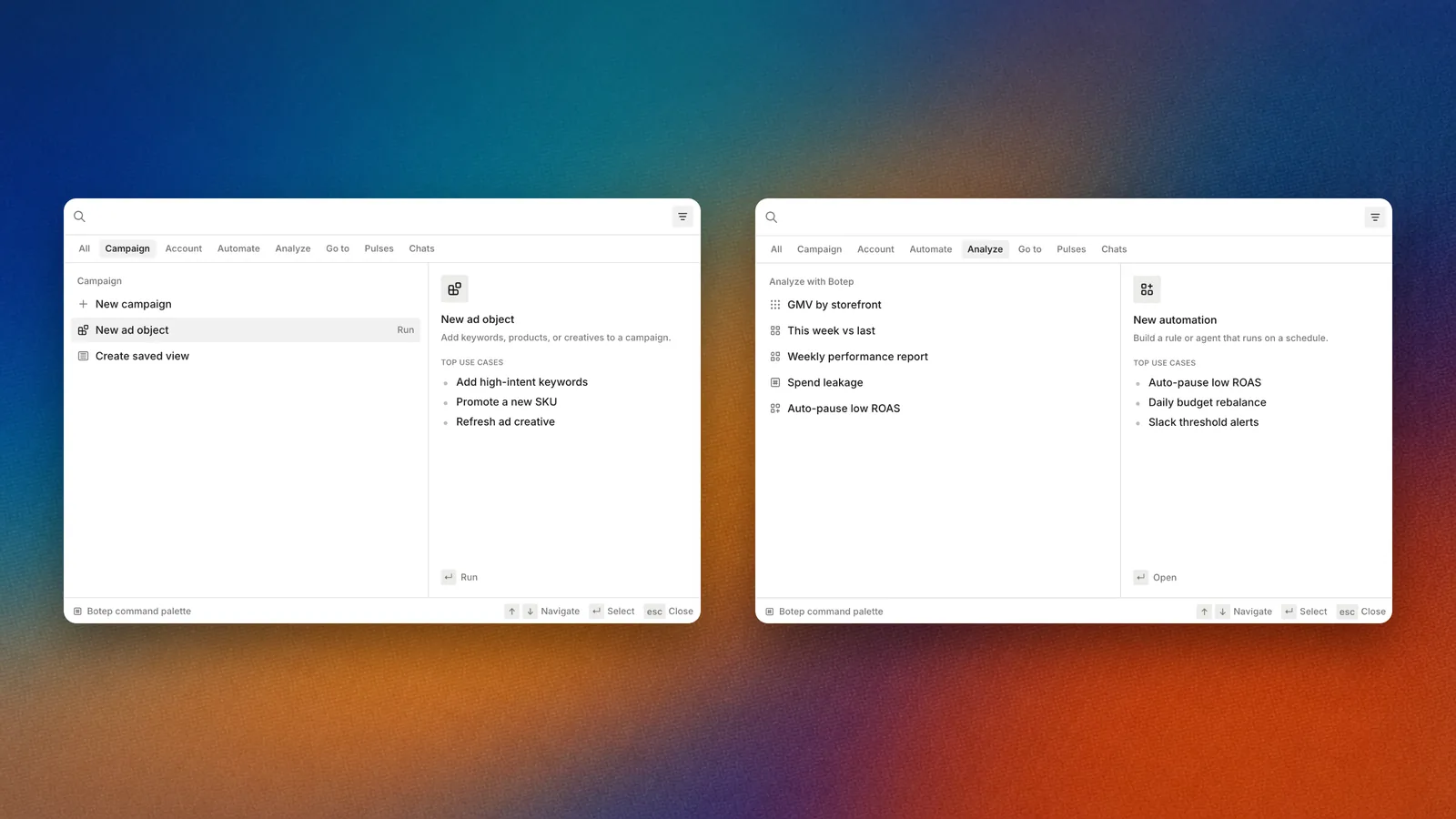
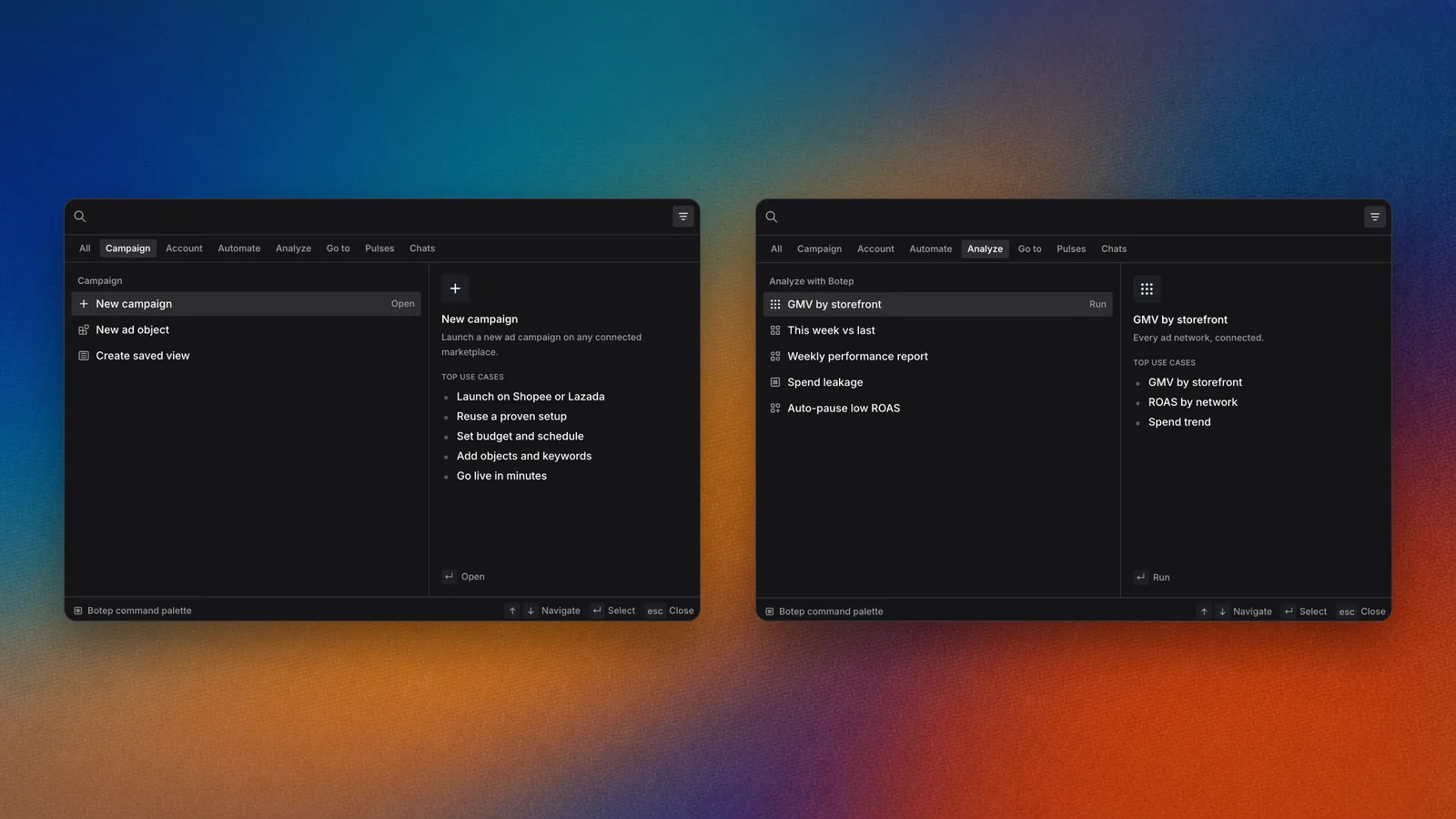
The command palette groups pages, actions and Botep starters.
Overview
The command palette is the fastest way around Epsilo. Type a few letters to open a page, an ad account or a recent item, run an action such as New campaign, or send what you typed to Botep. Press the shortcut again to close it.How it works
1
Open it
Press Cmd + K or Ctrl + K. The search box reads “Search any page, ad account, or action”.
2
Type
Results narrow as you type. Hover or arrow to an item to preview what it does.
3
Go
Press Enter to open the item or run the action.
What you find there
Before you type, the palette shows:- Recent: the campaigns, conversations, Pulses and pages you opened last.
- Go to: Console, Campaign details, Portfolio, Teamspaces, Automations, Artifacts library, Tasks, My workflow and Ad creatives.
- Campaign: New campaign, New ad object, Create saved view.
- Account & access: Connect ad account, Invite members, Portfolios, Workspace settings.
- Automate: New automation, Browse templates.
- Analyze with Botep: starter questions that open in Console.
- Learn: guided walkthroughs, and Browse all walkthroughs.
Use it
Jump to an ad account
Open the palette and type part of the ad account name. Select it to open its page.Ask Botep from anywhere
Type your question. If nothing in the list is what you want, press Enter and Botep answers it in Console. The hint reads “Press ↵ to ask Botep about” followed by your words.Filter the results
Select a chip under the search box, such as Pages, to see one kind of result only.Run an action
Type the action, for example “new automation”, and press Enter. The action opens where it lives, ready to fill in.FAQ
Why don't I see a page I expect?
Why don't I see a page I expect?
The palette lists only pages your role can open in this workspace.
Related
Console
Where palette questions land.
Tasks and My workflow
The lists the palette jumps to.
Daily check
Move through the morning without the mouse.