















 Market Guide
Unify
Your networks, kept as one book.
Connect search, social, video and marketplaces once; Epsilo keeps them as one book, in your currency, on your clock.
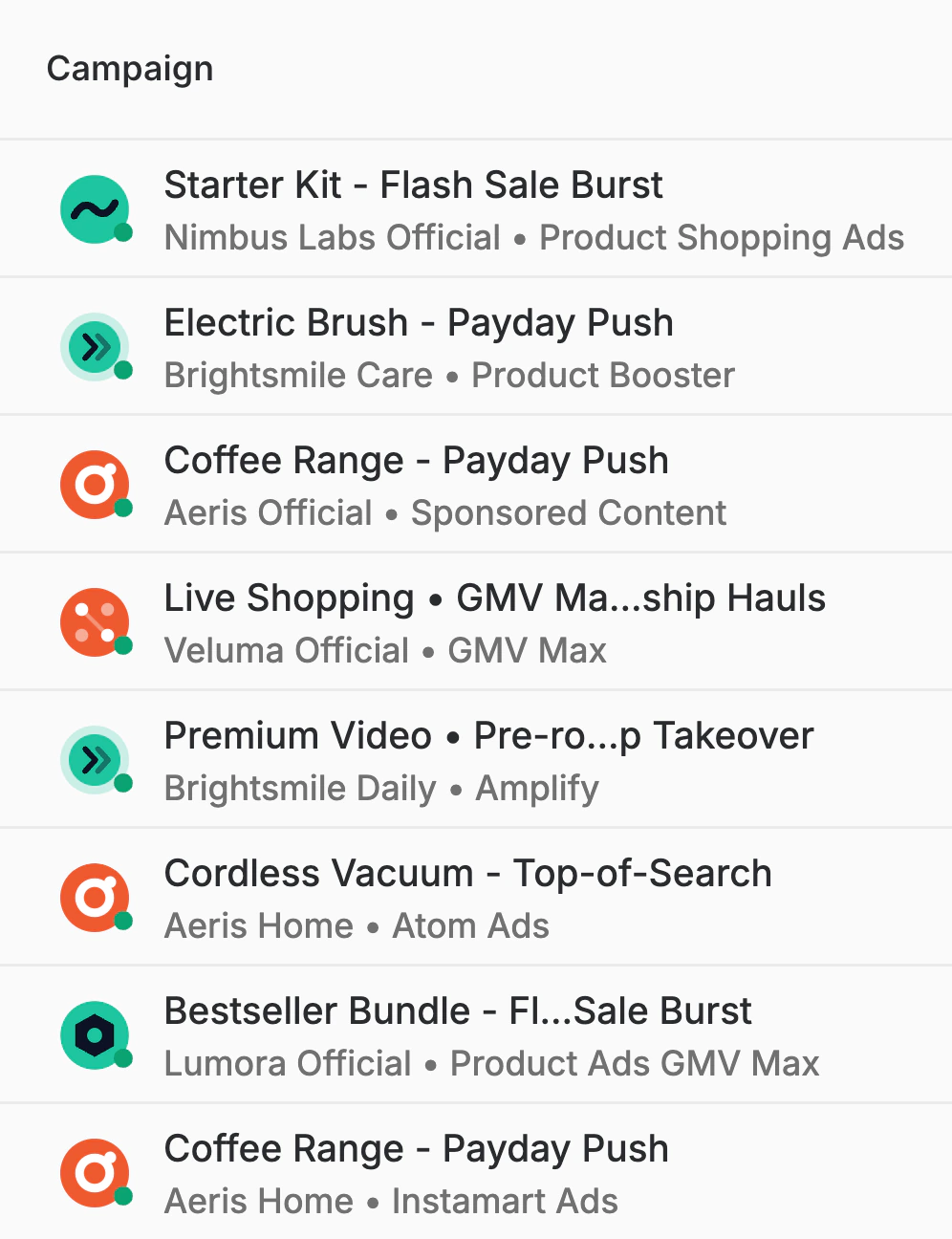
ChatGPT Ads, now live in 63 countries, beside the networks Epsilo runs: ChatGPT Ads, Amazon Sponsored Products, Shopee Product Ads, Lazada Sponsored Products, Flipkart Product Listing Ads, Rakuten RPP Ads, Noon Product Ads, Mercado Libre Display Ads, TikTok Shop GMV Max, Meta Advantage+, X Promoted Ads, LinkedIn Sponsored Content, Blinkit Product Booster, Zepto Sponsored Products, Swiggy Instamart Item Ads, Google Ads Performance Max, YouTube Video Action, LINE Ads, Apple Search Ads.
 ChatGPT AdsSee what's new
The seats, agents and apps that work an advertising job in Epsilo: Linh, Media planner; Mei, Ecommerce lead; Kenji, Creative lead; Pacer, budget agent; Pulse, reporting agent; Planner, media plan agent; Claude, ask via MCP; ChatGPT, ask via MCP; Gemini, ask via MCP; WhatsApp, asks your approval; Zalo, pings you; Google Sheets, fills the month plan; Slack, posts the daily brief; Gmail, sends the Monday brief; Microsoft Teams, posts the weekly review.
Trusted by the entrepreneurs and largest operators
Agencies and brands. Planners and optimizers. Managers and analysts.










Trusted by largest advertising operatorsTrusted by the entrepreneurs and largest operators
Unify
Connect search, social, video and marketplaces once; Epsilo keeps them as one book, in your currency, on your clock.
Act
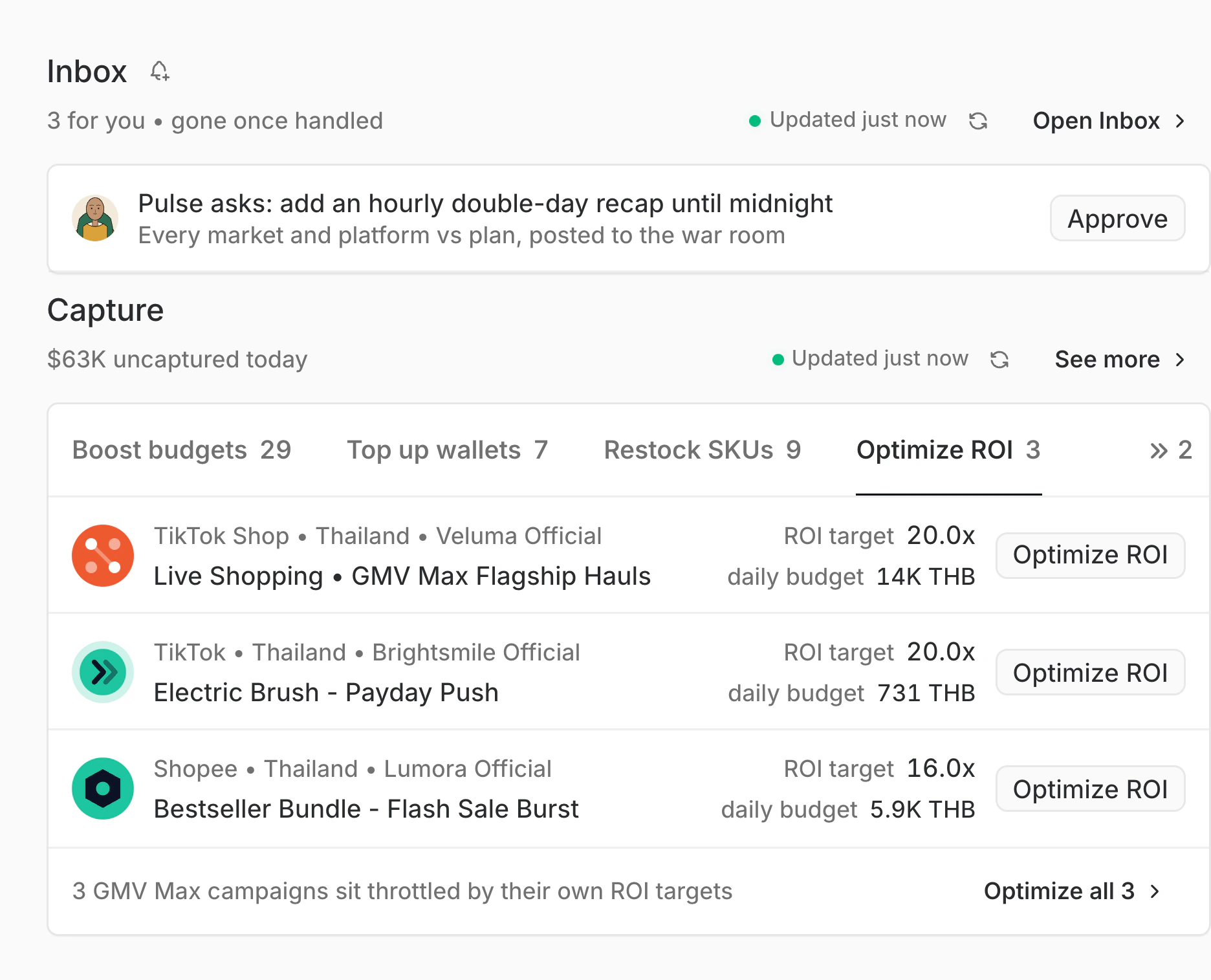
Agents price what each network is missing today, propose the fix, and apply it across your networks once you approve.
Connect
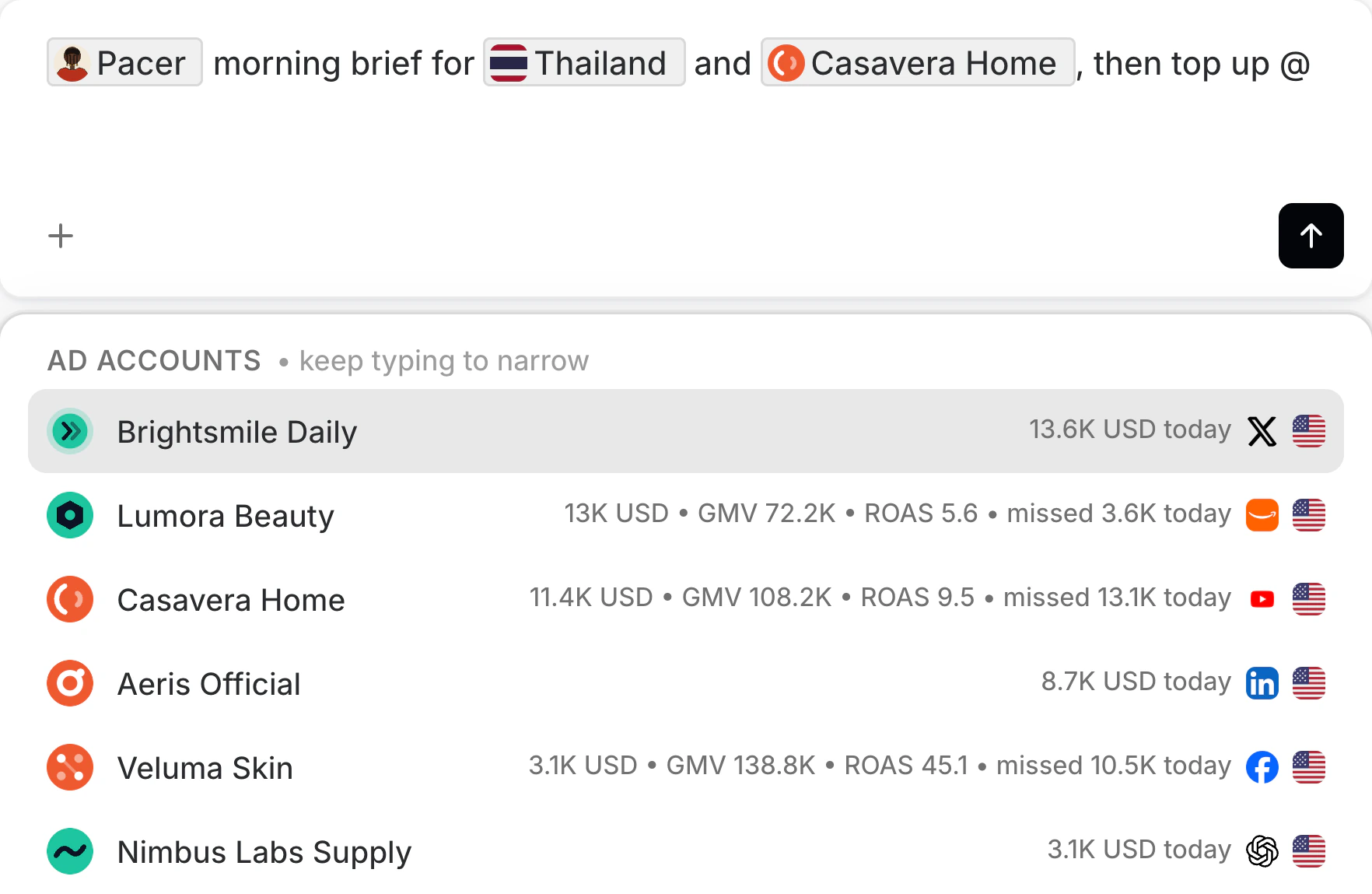
Sheets, email, calendar, market research and your own data through the headless API, ready for your agents.
Automate
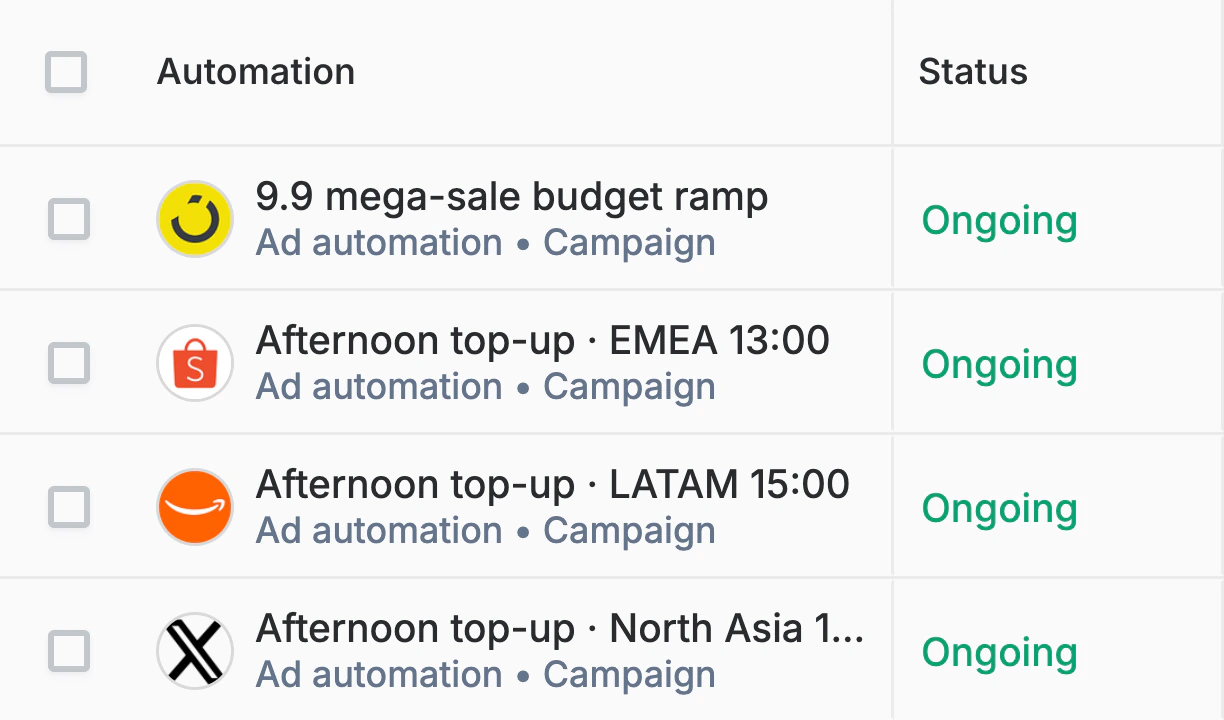
Daily checks, weekly reports and double-day war rooms run on schedule, inside the guards you set once.
Collaborate
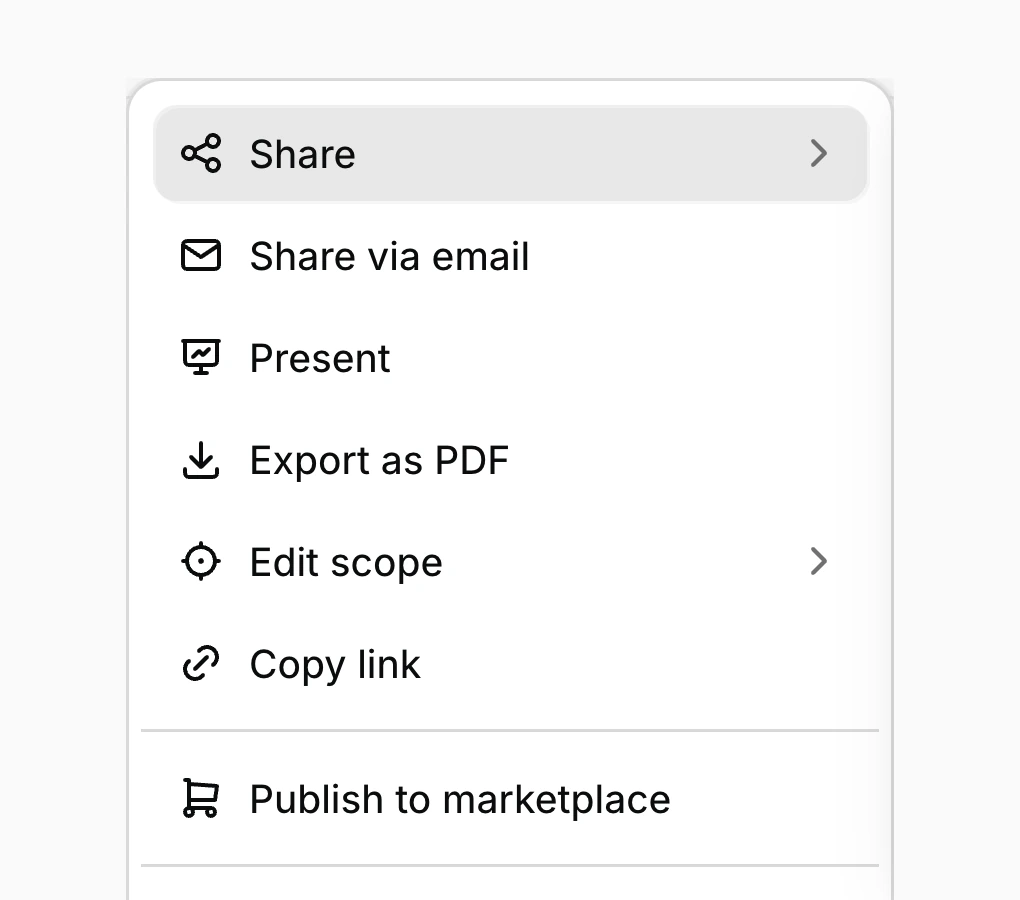
Artifacts your team edits together, posted to Slack, Zalo, WhatsApp or Discord the moment they matter.
Mobile
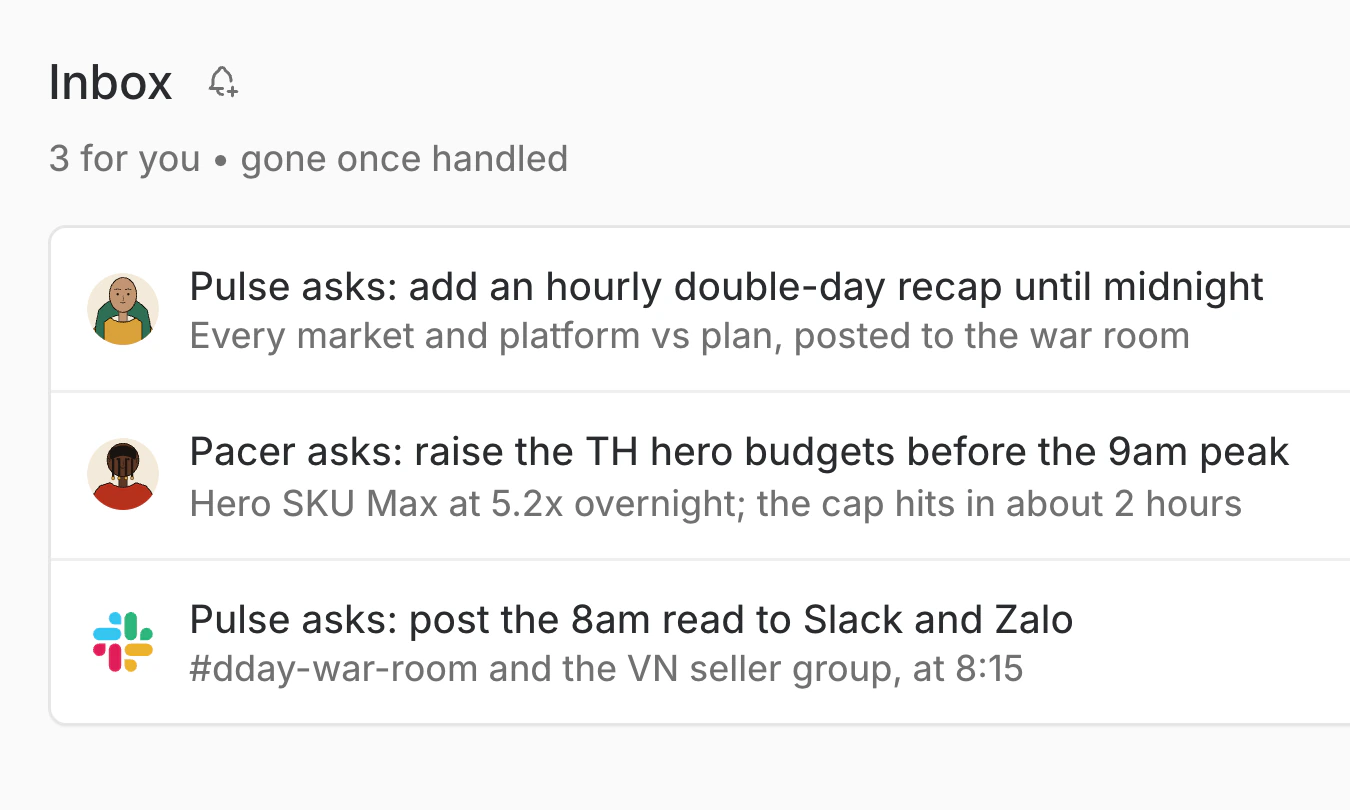
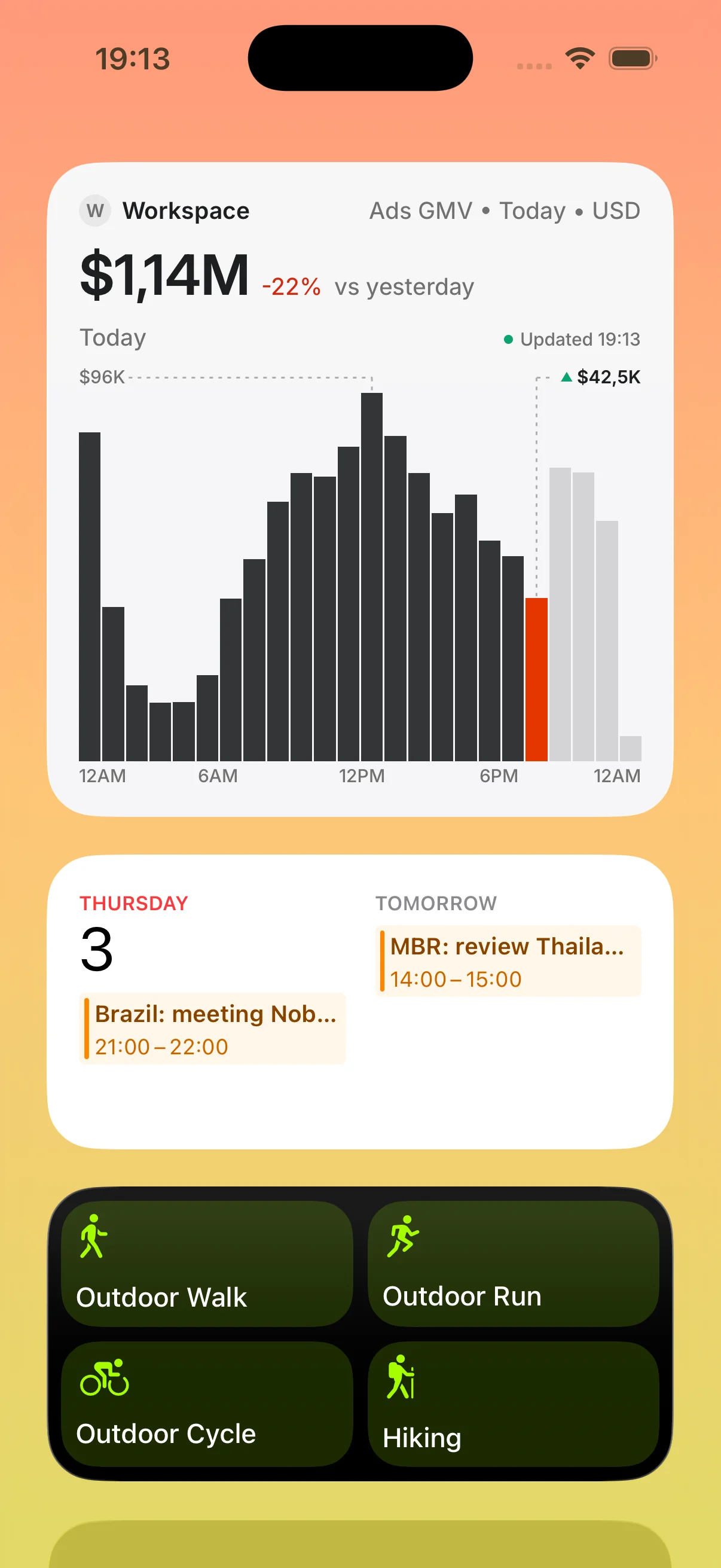
Livestream, pacing and agent asks on iOS; one tap approves, and the change lands across your networks.

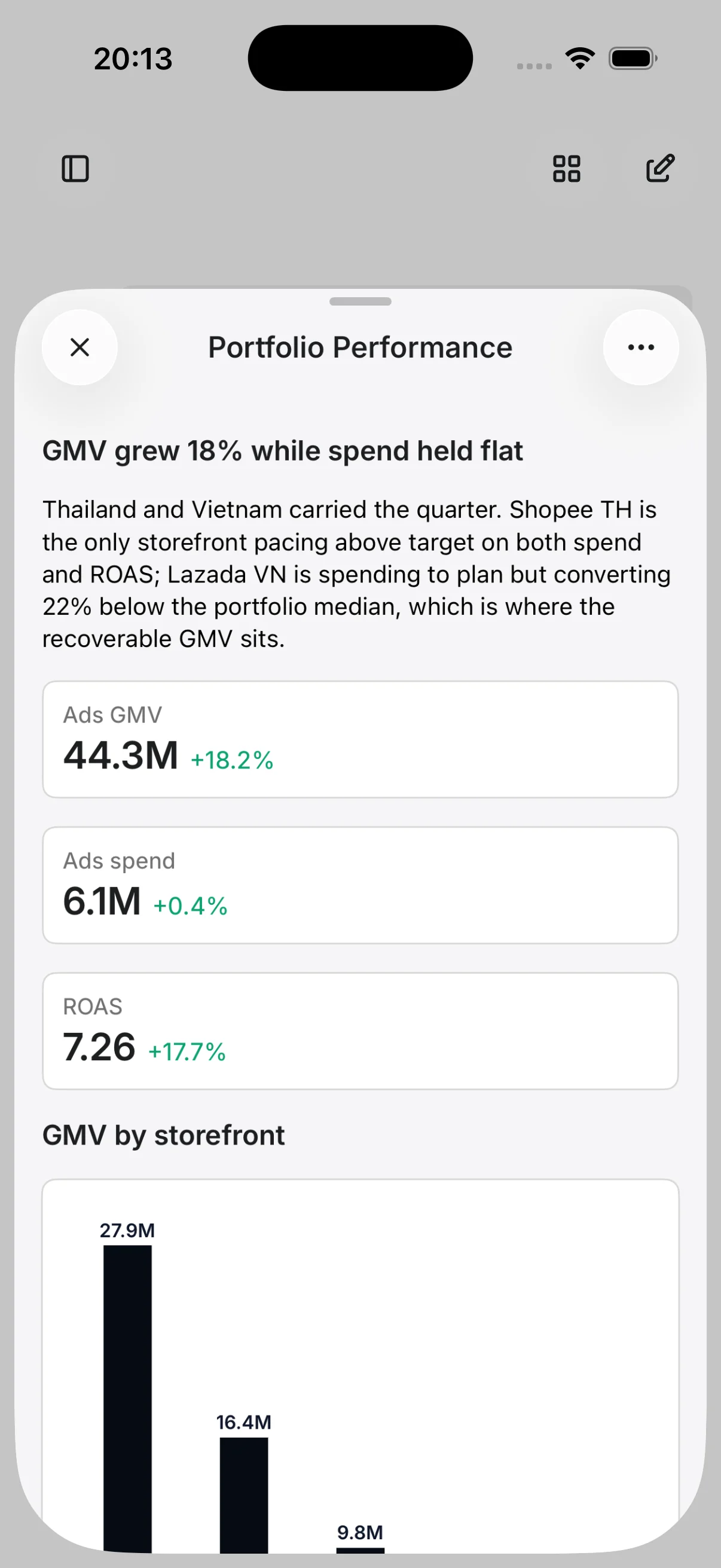
Display and social to discover, conversation and messaging ads to consider, marketplaces to convert. Every network sits in one book, on one taxonomy, read in one language.
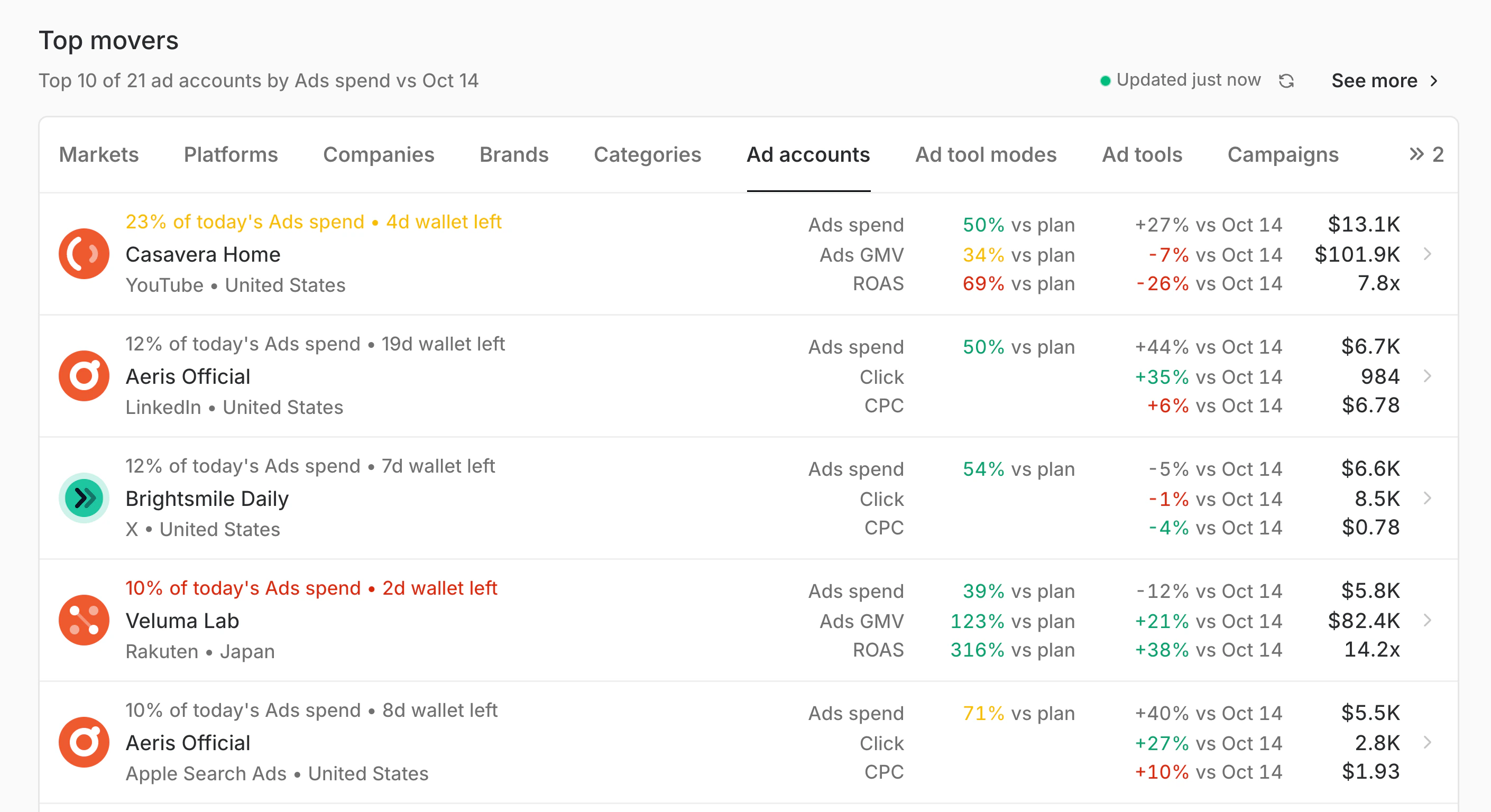
Explore AggregateBring Shopee, Lazada, TikTok Shop, Meta, YouTube and Google into one book, read in your currency and on your clock.
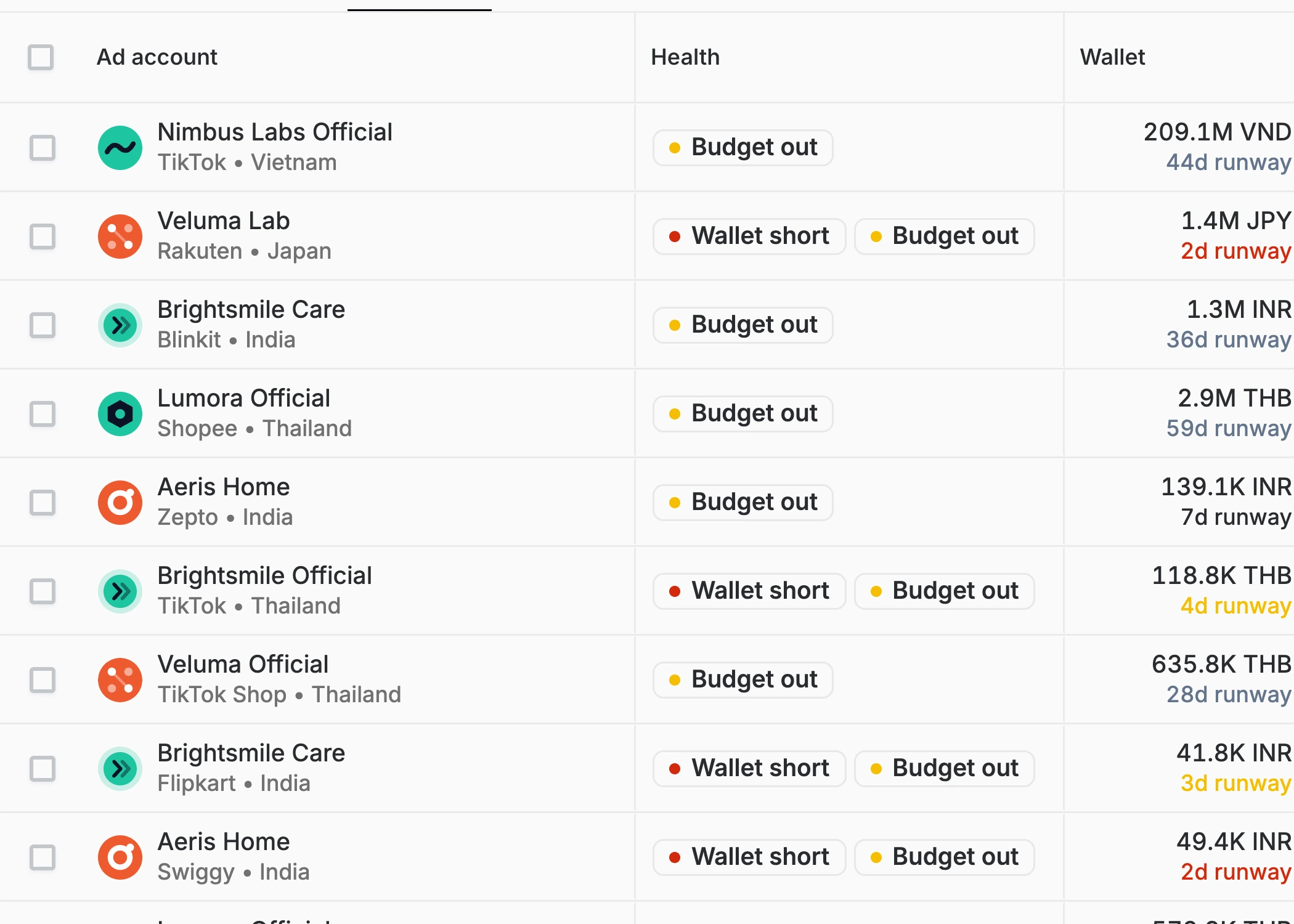
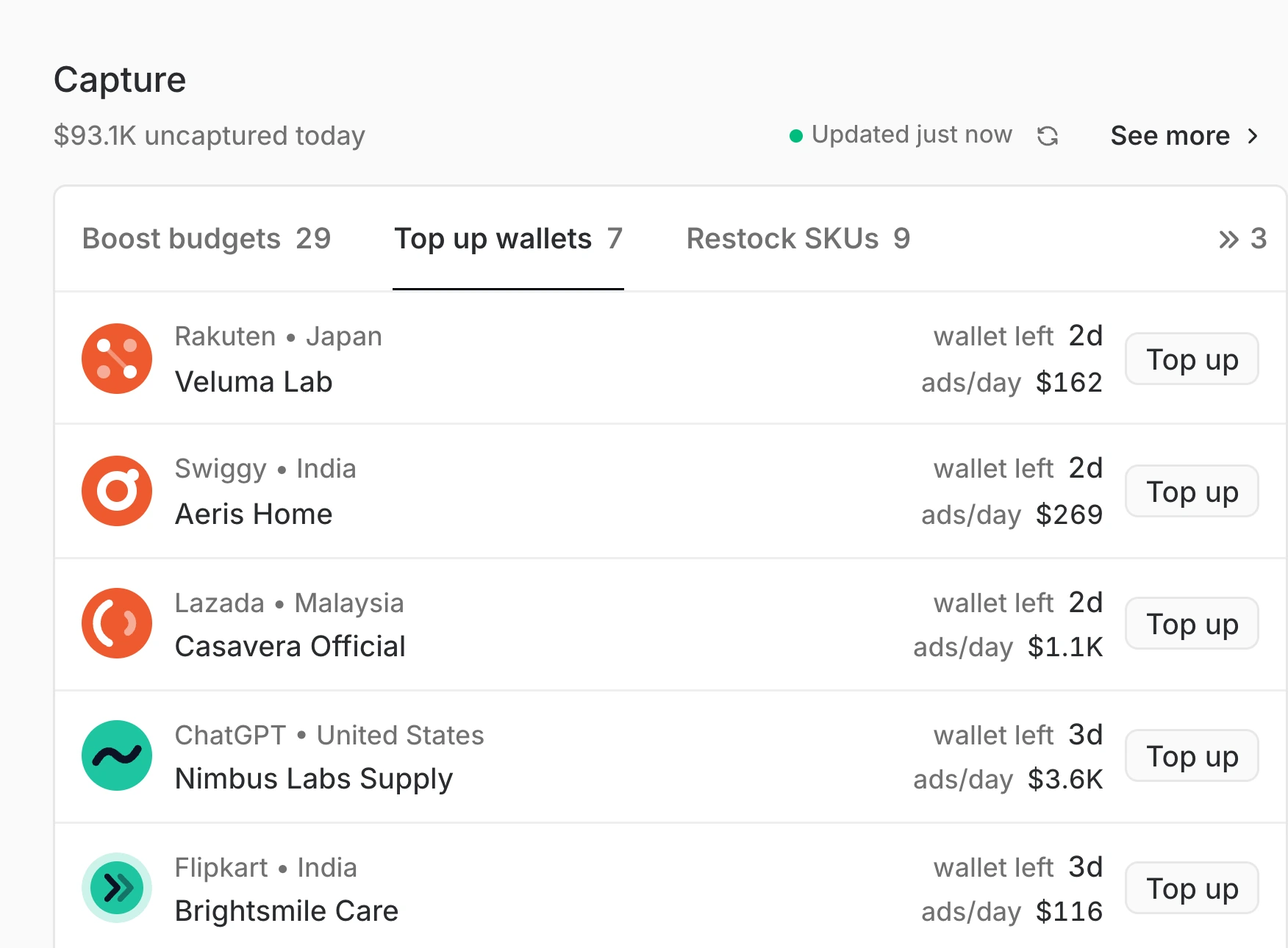
See which accounts run out of money this week, and top them up ahead of the evening peak.
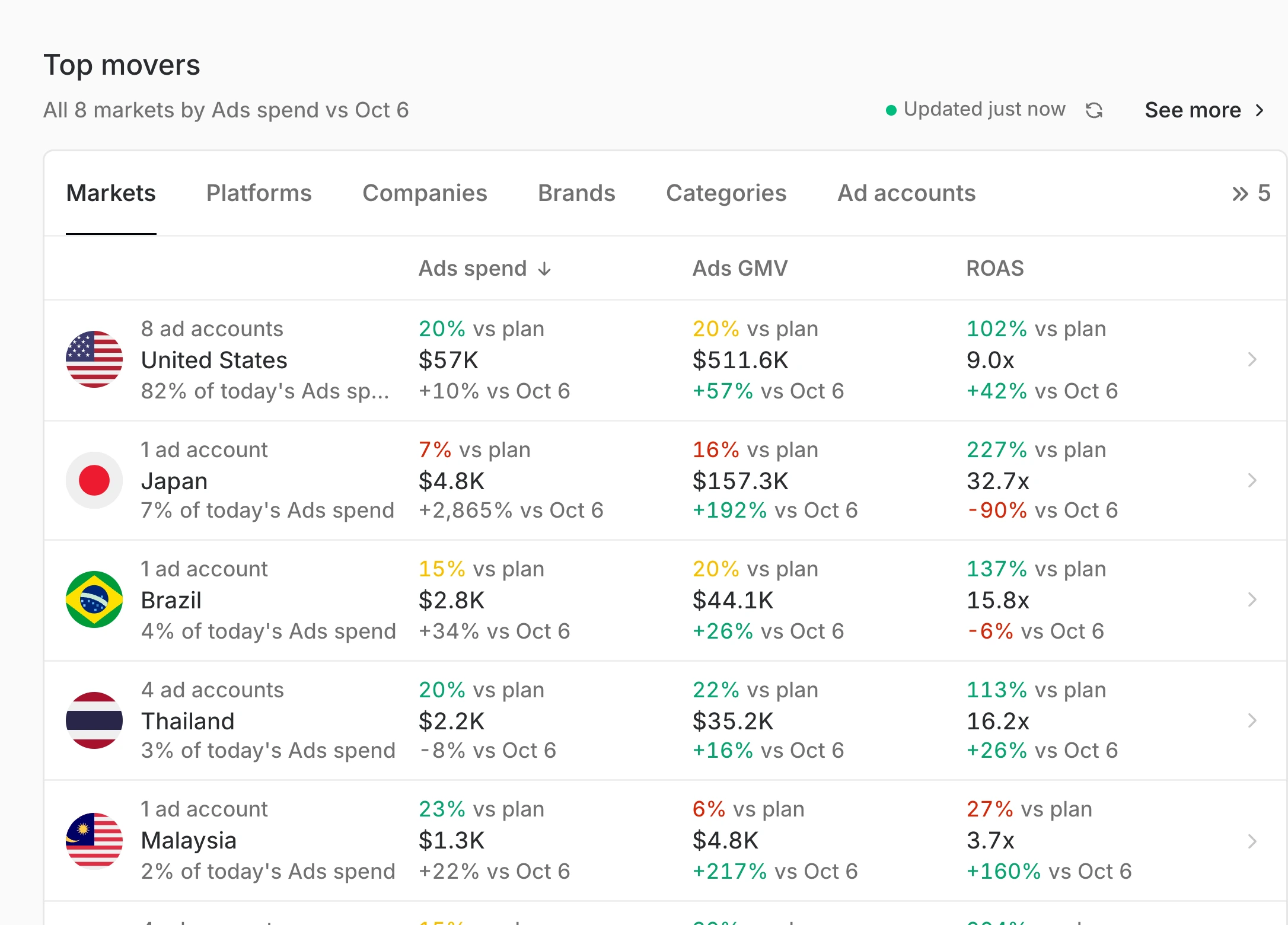
A new country and its networks join the same book, each with its own currency, so Monday still starts in one place.
Digital shelf, ad operations, performance media, finance and leadership each get their own signals: stock cover, ad live time, missed GMV, wallet runway, pacing against plan.
Explore BenchmarkCompare return across networks and across the day, and see where budget works and where it leaks.
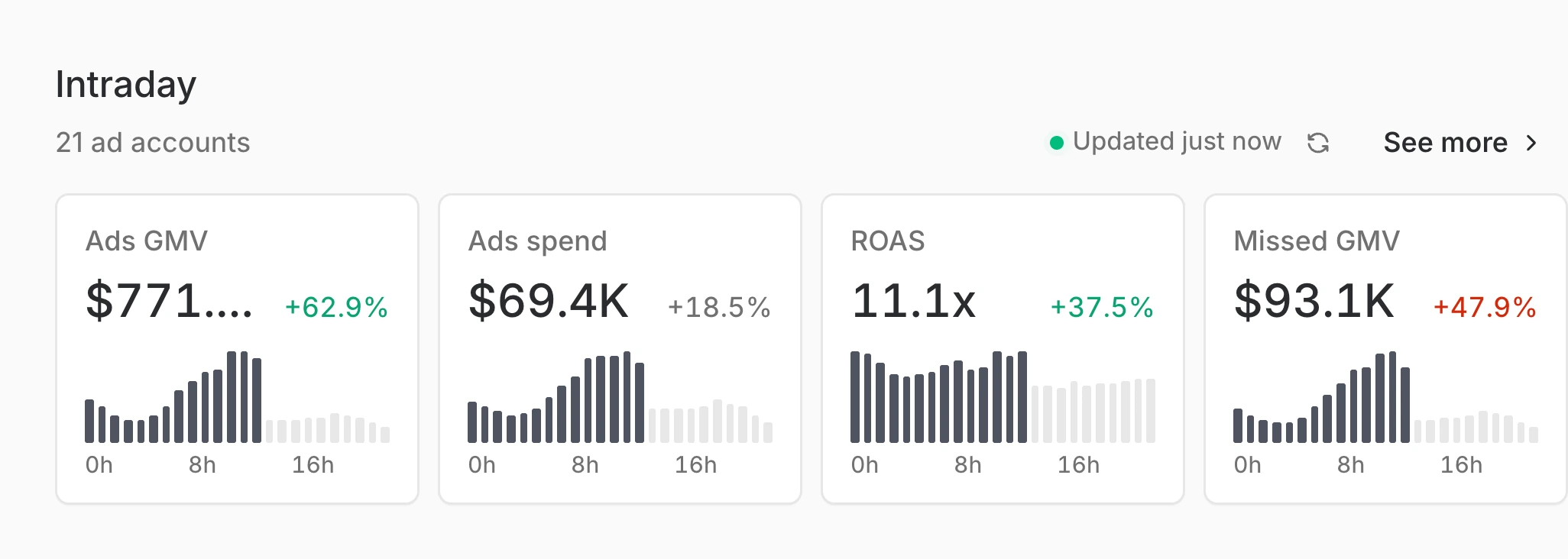
Hook and hold rates sit beside spend and return, so a fading video is rotated before return falls.
Missed GMV per account turns the day into a ranked list, with the largest gap first.
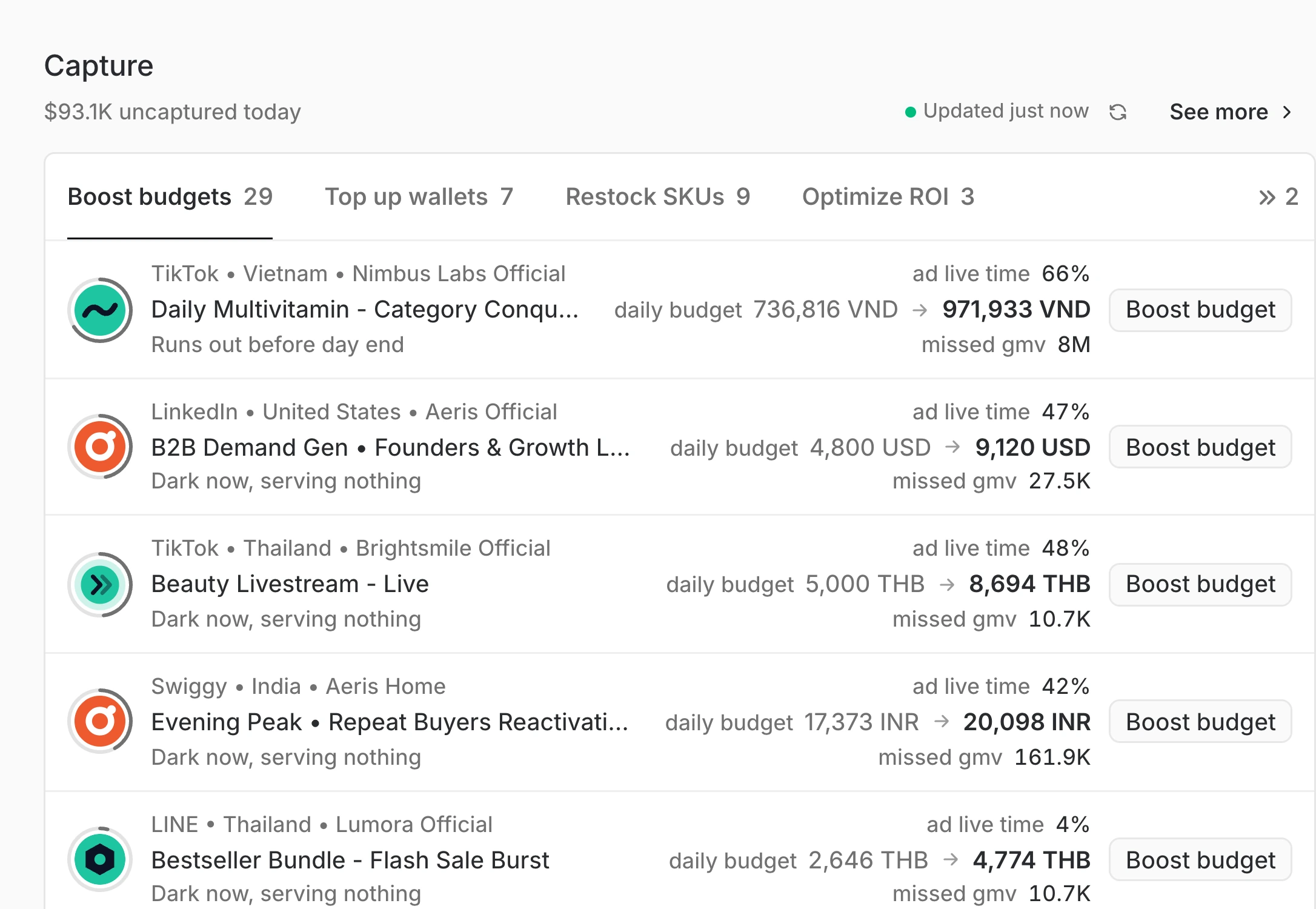
Reports, briefs and plans reach brands, clients, finance and regional teams in the channel they read, with approvals in the thread and every figure traced to its owner.
Explore CollaborateA finished analysis becomes a page your team edits together, with every figure traced to its source.
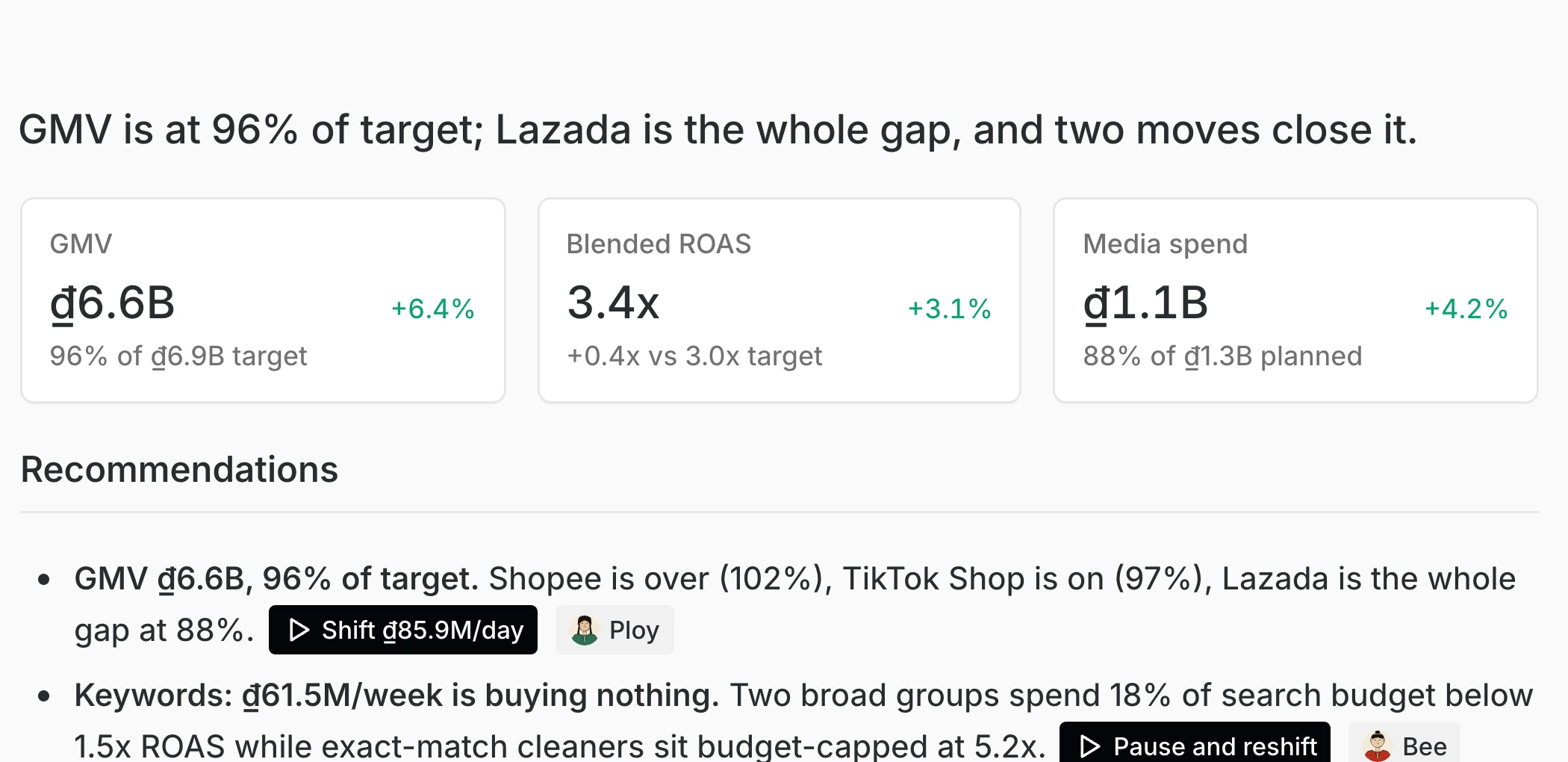
Brand, agency and partners receive the same read in Slack, Zalo, WhatsApp or email, on the cadence you set.
Each recommendation carries its agent and its approver, so nothing waits in a thread.
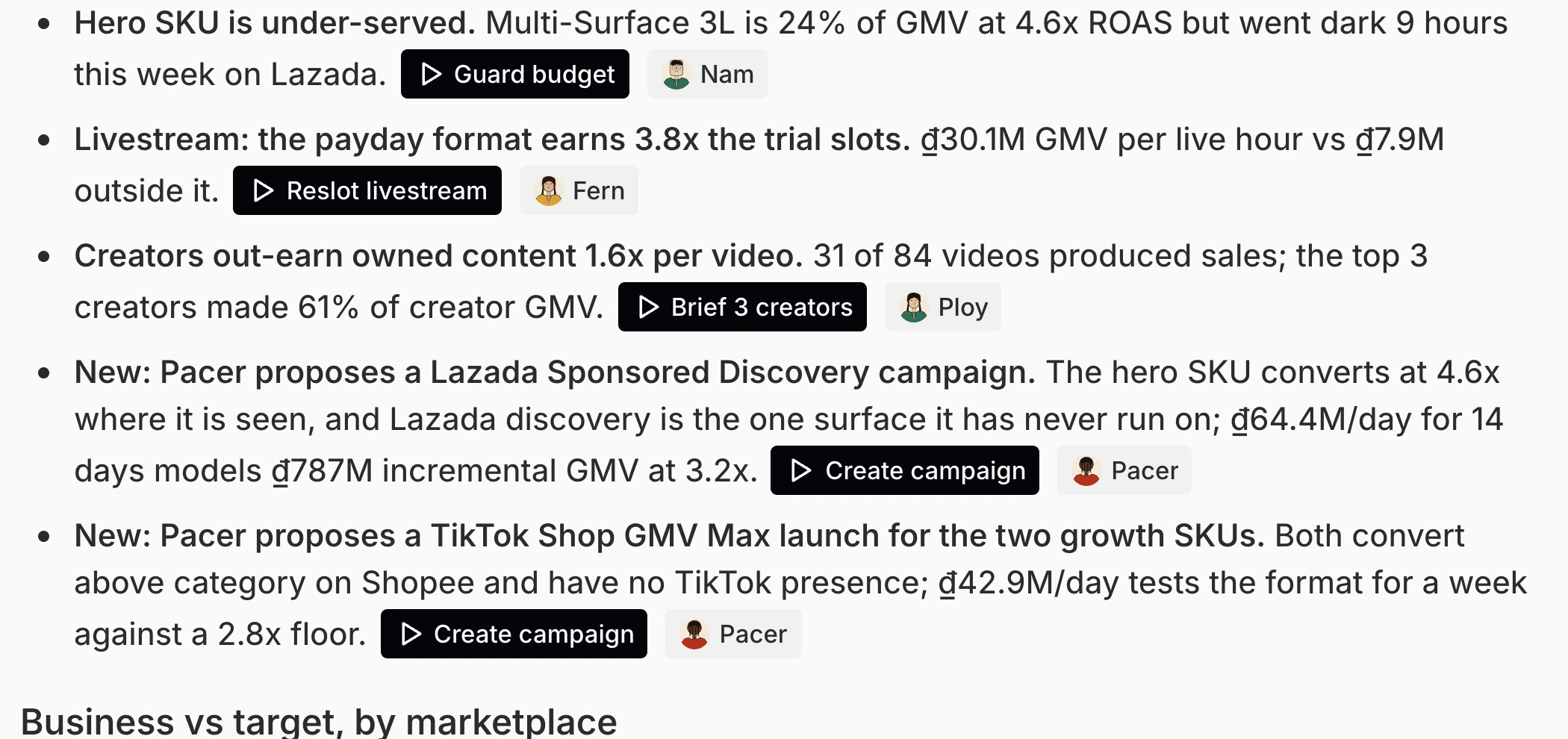
Every recommendation arrives with its evidence and its money: how much budget, how hard to bid, which market, which products, and when to move.
Explore DecideMark double days, paydays and brand days once, then set budget, GMV and ROAS for every market against them.
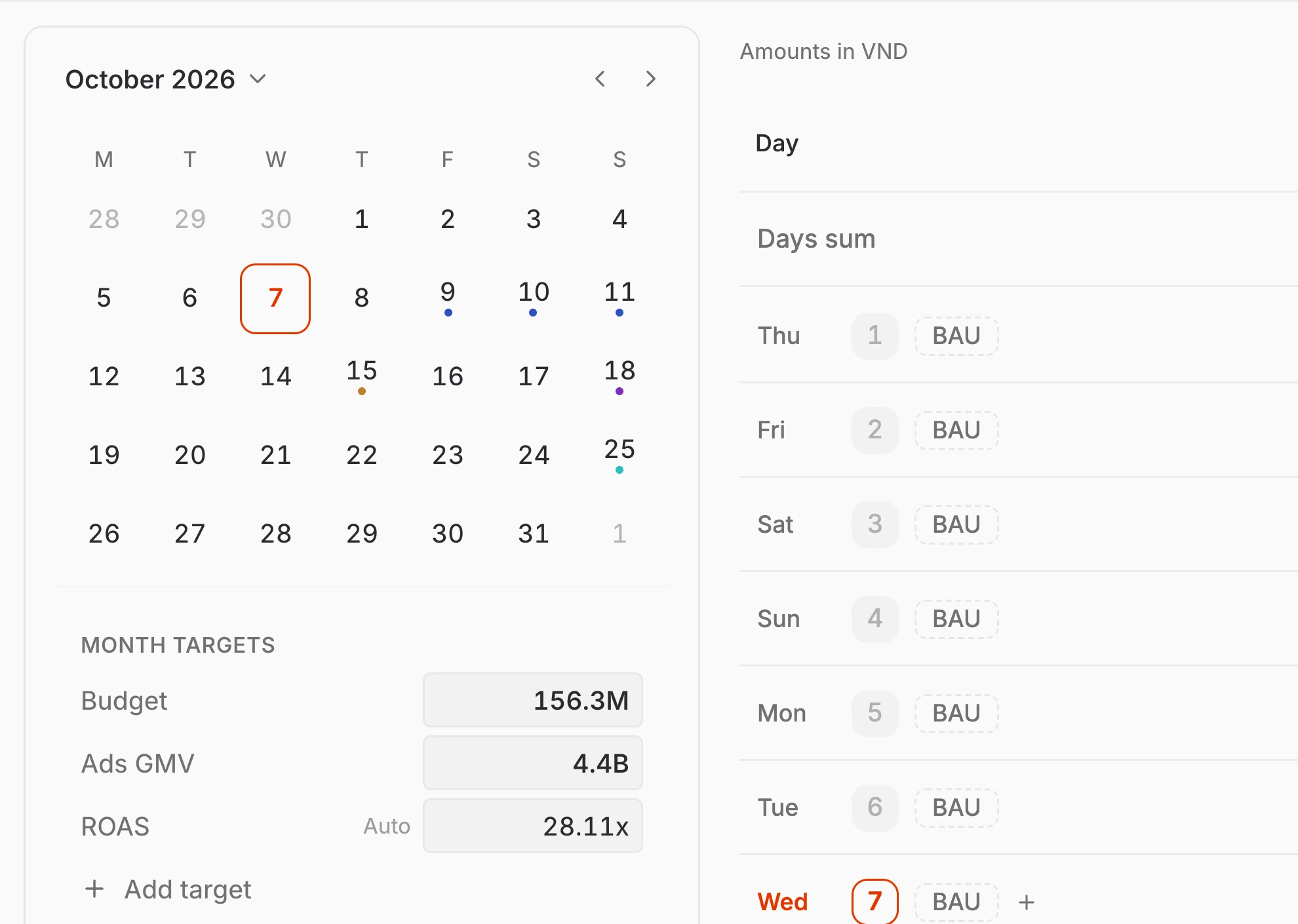
Every proposal arrives with the data behind it and the money attached, so approval rests on proof.
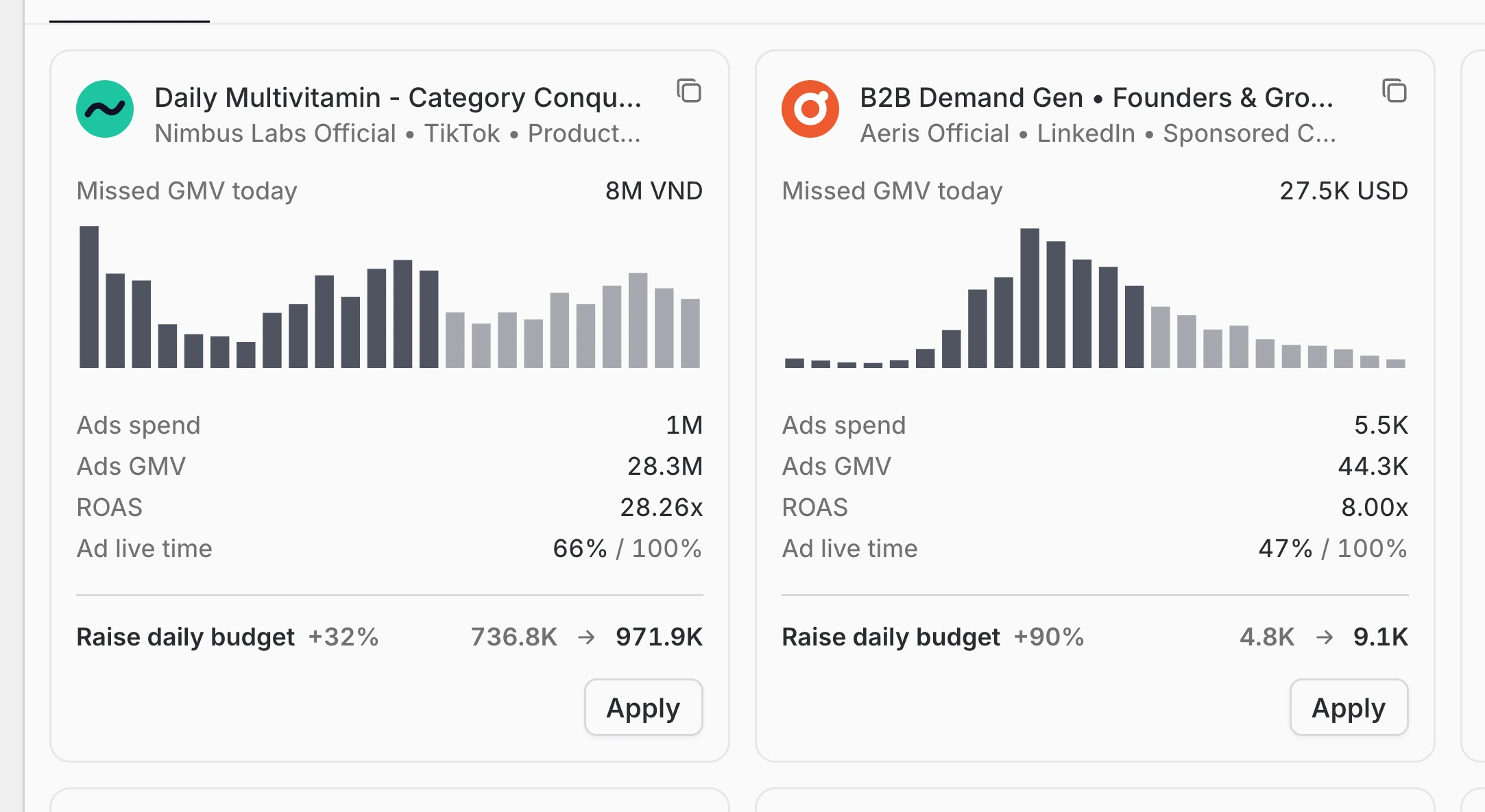
Pacing against plan shows which market is ahead, which is behind and what closes the gap.
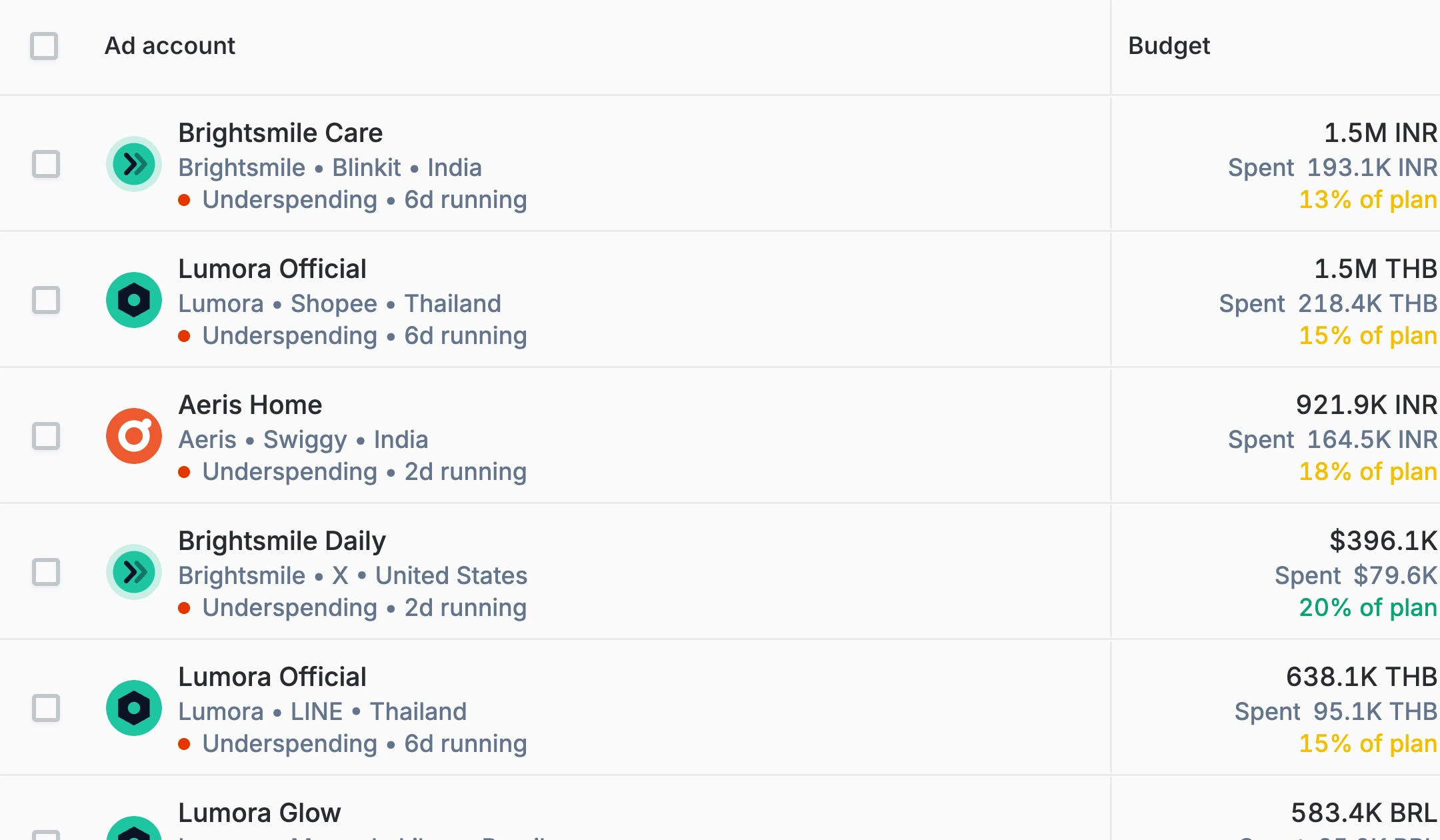
Agents move routine budget inside a cap and ask first on the big calls. Rules run on a schedule, guards stay on, and one click applies hundreds of changes.
Explore ExecuteSelect the accounts, review each change and apply across every network once you approve.
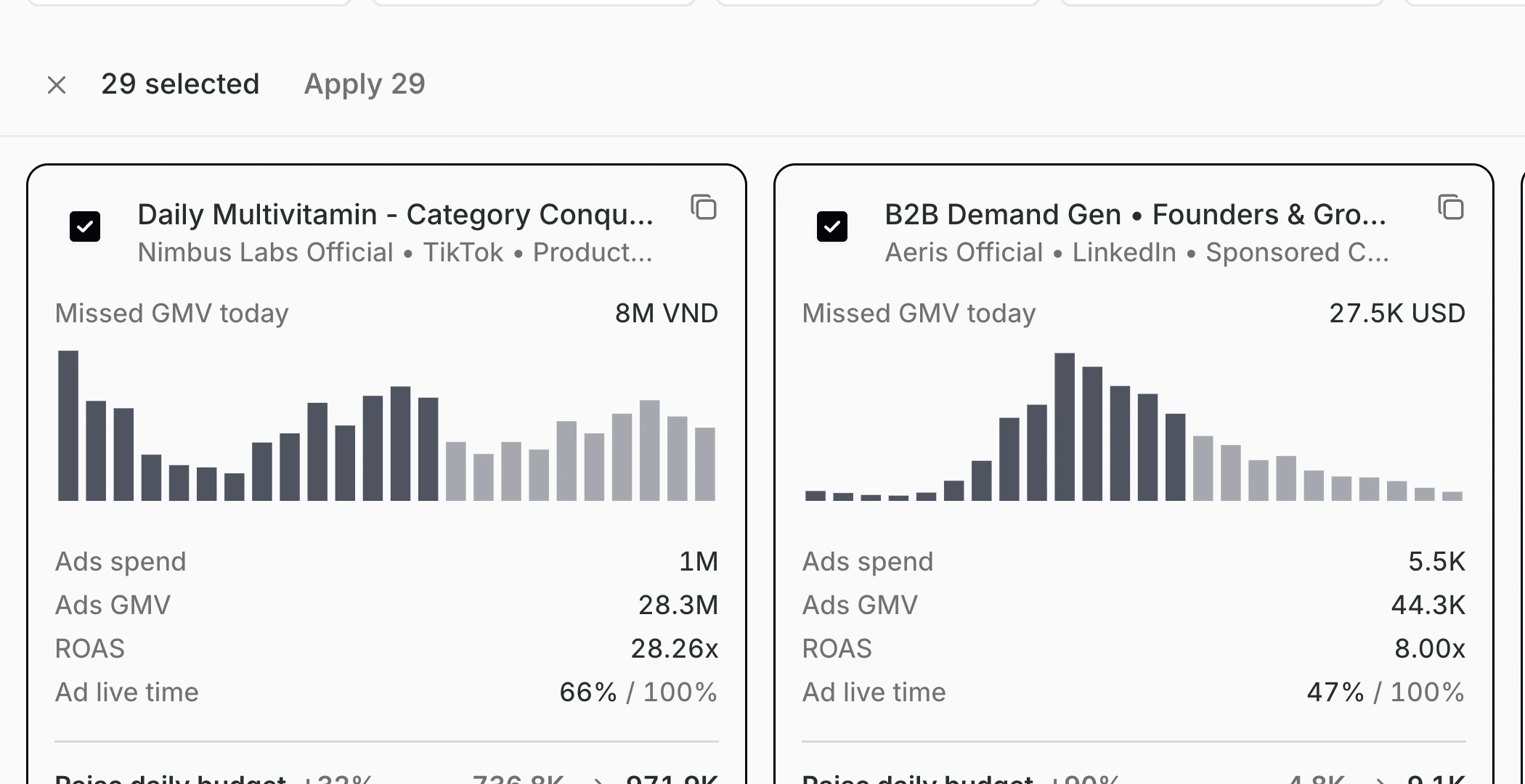
Set a rule once, and it pauses, tops up or shifts budget the moment it fires, inside the limits you chose.
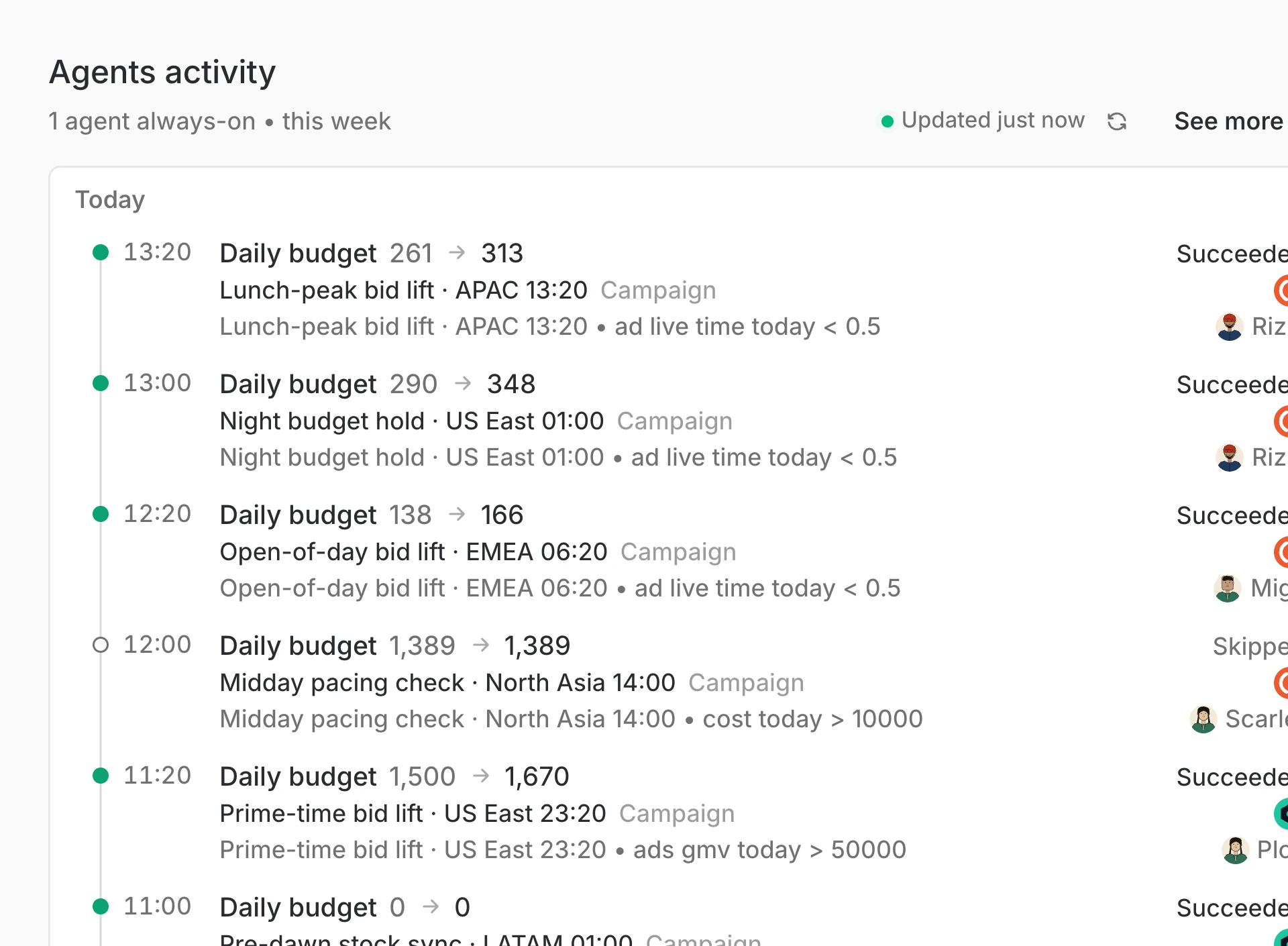
The agent prices the shortfall and asks; one approval moves the money before the evening peak.
Operators choose Epsilo when they scale beyond single ad networks, markets or teams.